
About WorksheetSprout
Free worksheet tools for the names, words, and math facts your learners are practicing today.
Browse all worksheet makers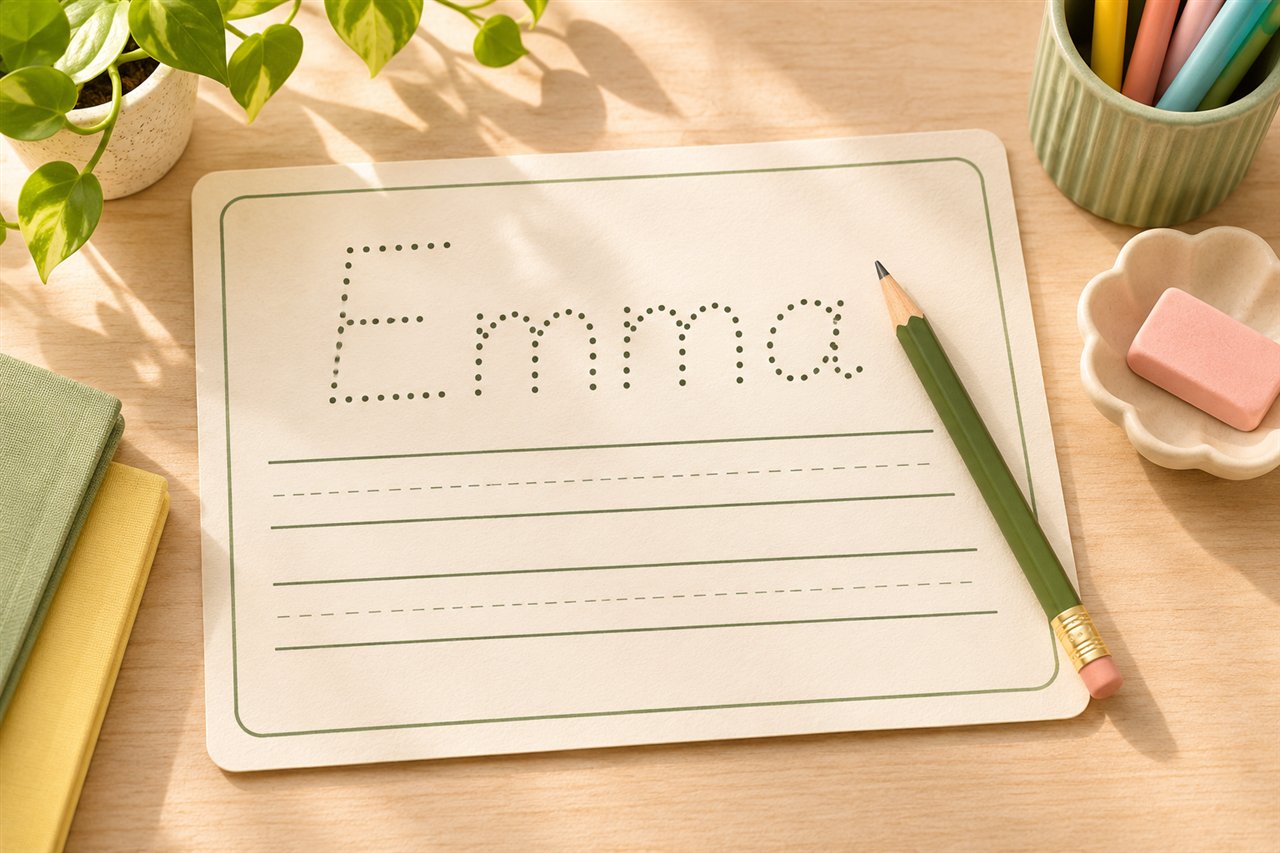
Why we built WorksheetSprout
A ready-made worksheet rarely has the exact name, vocabulary, or math facts you want to practice. A name tracing sheet should show the name a child actually writes. A spelling sheet should use this week’s words. A multiplication sheet should give a learner more practice with the facts that still take time. We built WorksheetSprout so the material you already teach can become a page you can print.
Who we build for
Parents can make a single sheet for a short practice session at home. Teachers can prepare a class set with the lesson’s actual vocabulary and keep the answer key separate. Homeschool families and tutors can reuse a familiar layout while changing the words or difficulty from one session to the next. The same tools work whether you need one page today or a packet for the week.
Handwriting that progresses beyond tracing
The name tracing packet starts with a dark dotted name, moves to a lighter model, and then provides a printed example to copy. The last stage gives the learner blank guides for writing from memory. For other practice, you can print uppercase and lowercase letter pairs, copy a short sentence, or work on joins in cursive. Use the preview to choose a size that leaves enough room to write.
Make a name tracing packetOne word list, several ways to practice
Paste the spelling words once and build a packet for the week. A learner might copy the words on Monday, fill in missing letters on Tuesday, and practice putting the words in order later in the week. You can add a word search or spelling test and download the keys with your copy. The standalone word search and scramble tools also work with vocabulary from a science unit, book, or language lesson.
Build a weekly spelling packetMath practice with a clear target
Choose the times tables, number of problems, and whether equations run across the page or appear vertically. Start with a short set from one table, or mix tables once the learner can explain several facts. You can keep the same worksheet seed to reprint a problem set later, and print the answer key separately for checking.
Make a multiplication worksheetFrom screen to paper
Every generator shows a preview before you print. Choose Letter or A4, pick an orientation, and select grayscale if you want to save color ink. The PDF uses the same page layout as the preview. For a class set, print one copy first to check the margins and write-in space. You can enter a page range in your PDF viewer to leave the answer pages out of student copies.
Read the printing guideFree tools and local worksheet generation
WorksheetSprout requires no account or subscription. The worksheet text you enter is processed in your browser when you generate a preview or PDF. If you choose to save formatting preferences, the site stores settings such as paper size on that device. Names and word lists are excluded from those preferences.
See how we handle informationHow we check the tools
We test whether generated PDFs have the expected page dimensions, whether multiplication answers match the problems, and whether every word in a word search appears in its marked solution. We also check long entries, pagination, and mobile downloads. Before sharing a worksheet, look through the preview and key to make sure the material fits your learner and lesson.
Practice guides and feedback
Our guides walk through actual examples, including introducing a spelling pattern, showing a multiplication array, and practicing cursive joins before a full sentence. If you find an incorrect answer, an awkward print break, or a setting that would save time, contact us with the tool name and a sample. Use made-up names or words in your report.
Explore the practice guides