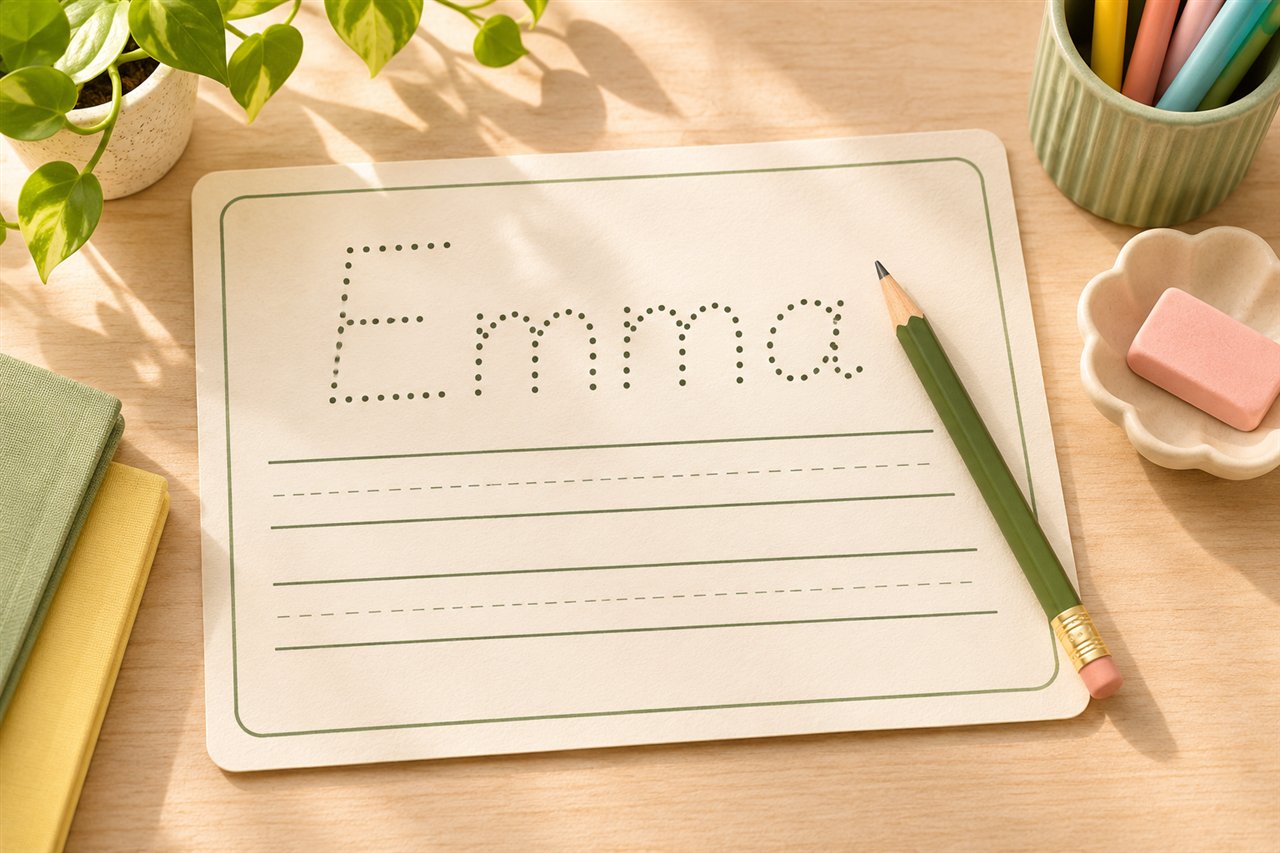
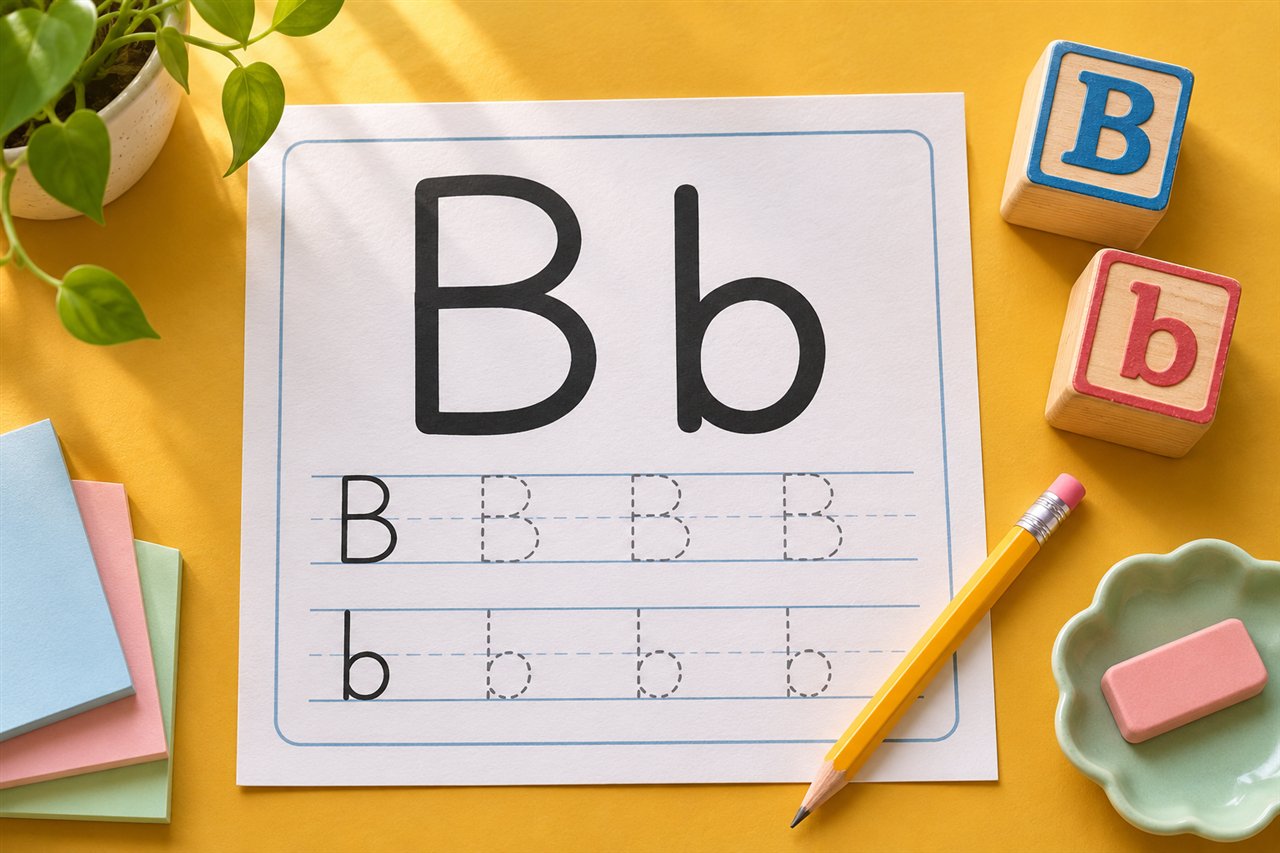
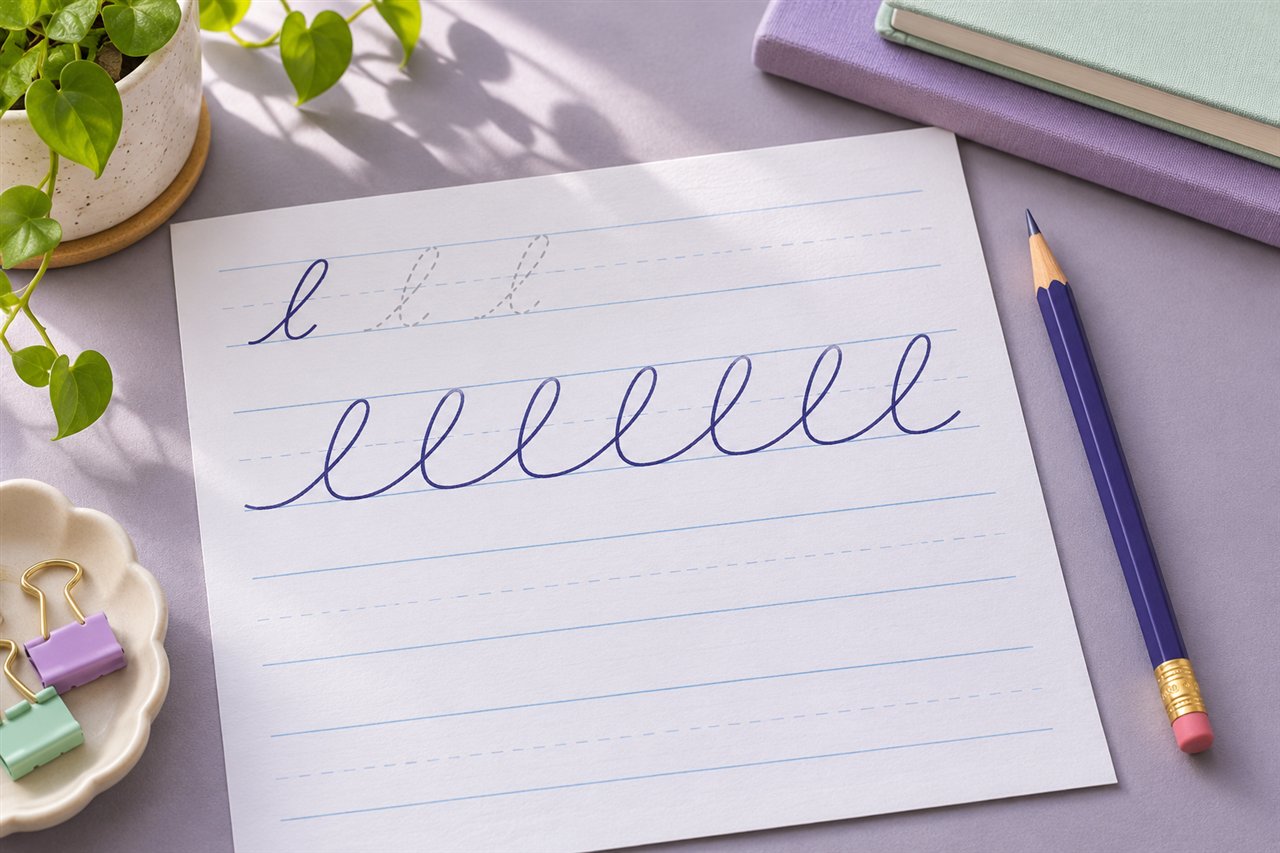
How to make handwriting copywork sheets for short sentences
Make printable handwriting copywork sheets for short sentences. Try a three-day plan for spacing, capitals, punctuation, and independent writing.
Choose a sentence with a clear purpose
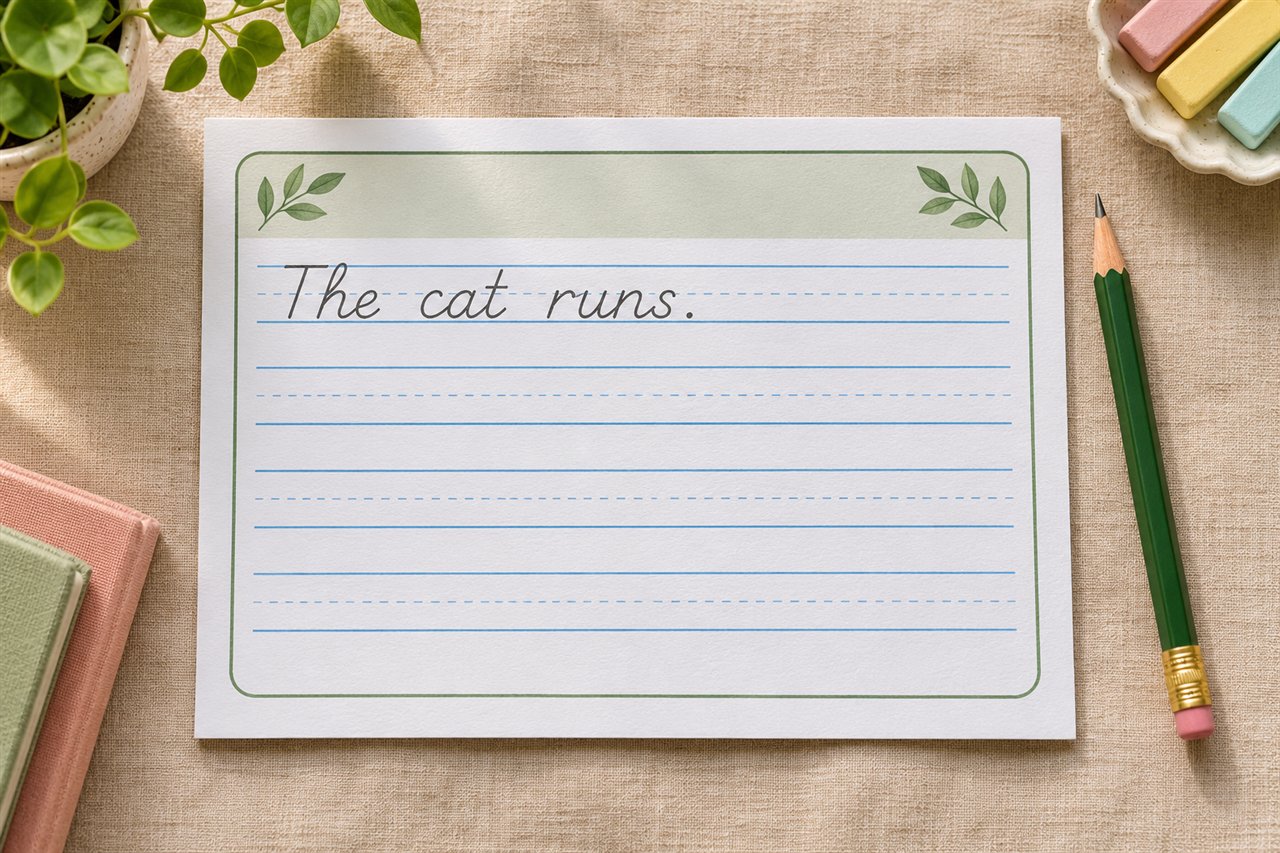
Start with a short sentence your learner can read, such as The dog ran home. Read it together and name one thing to watch for. You might focus on the capital T, the spaces between words, or the period. A familiar sentence lets the learner concentrate on that one writing feature.
Set up a model and a blank line
Enter the sentence in the Handwriting Generator. Choose Copy the example and set Blank rows after each example to one or two. Use a medium or large letter size if the learner needs room. For a long sentence, check how it wraps in the preview. If it breaks at an awkward spot, shorten the sentence or put each sentence on its own line.
Try a simple routine
- Read the whole sentence aloud.
- Notice the target feature. For spacing, have the learner point to every gap between two words.
- Copy a few words at a time. Pause between groups of words so the learner can find their place again.
- Compare the model and the copy. Ask the learner to choose one spot they would like to improve on the next line.
Adjust the page for the learner
Use the Example side option to move the model left or right if a learner’s writing hand covers it. Use Faint tracing for a practice round when the full model feels hard to copy. Switch back to the copy model once the learner is ready to write without a trace guide.
After a first session with The dog ran home., try The dog ran fast. The early words stay familiar while the last word gives the learner something new to copy.
A three-day example using one sentence
Use A fox hid under the log. for the first session. Set the letter size to Medium, leave handwriting guides on, and choose one blank row after the example. Show the learner where the capital begins and where the period goes. Ask them to copy the first three words, pause, find under in the model, and finish the sentence.
For the second session, keep the sentence and focus on spacing. After copying, have the learner point to each gap where a word ends. If two words run together, copy only that pair beneath the sentence and make the space clear. For the third session, change log to tree. Keep the setup familiar and ask the learner what changed before copying.
Match the worksheet to a specific issue
| What you notice | Adjustment |
|---|---|
| The learner gets lost in a long sentence | Put a short phrase on each input line and use a blank row after each model. |
| Copying starts well but gets cramped at the end | Select landscape or shorten the model before making the practice letters smaller. |
| The writing hand covers the model | Try the other Example side setting and keep the guide near the working row. |
| The learner can copy the letters but skips punctuation | Ask them to point to the opening capital and final mark before writing. |
Decide when a second row is useful
Give a second blank row when there is one clear thing to try again. “Leave a little more space between under and the” gives the learner a useful task. Avoid asking for a full redo when just two words need practice. For longer practice, enter two short sentences on separate lines and keep their punctuation visible. If the learner needs a more guided progression, use the name tracing routine as a model for moving from a trace to a copy.
Try it with your own worksheet
Customize the page, check the preview, and download a free PDF.